The PE Teachers Whiteboard
An app by Ryan Arthur Walker.
If you have any questions/concerns, please click th email button below to send me a message.
If you would like to learn more abou the app please check the FAQ below.
FAQ
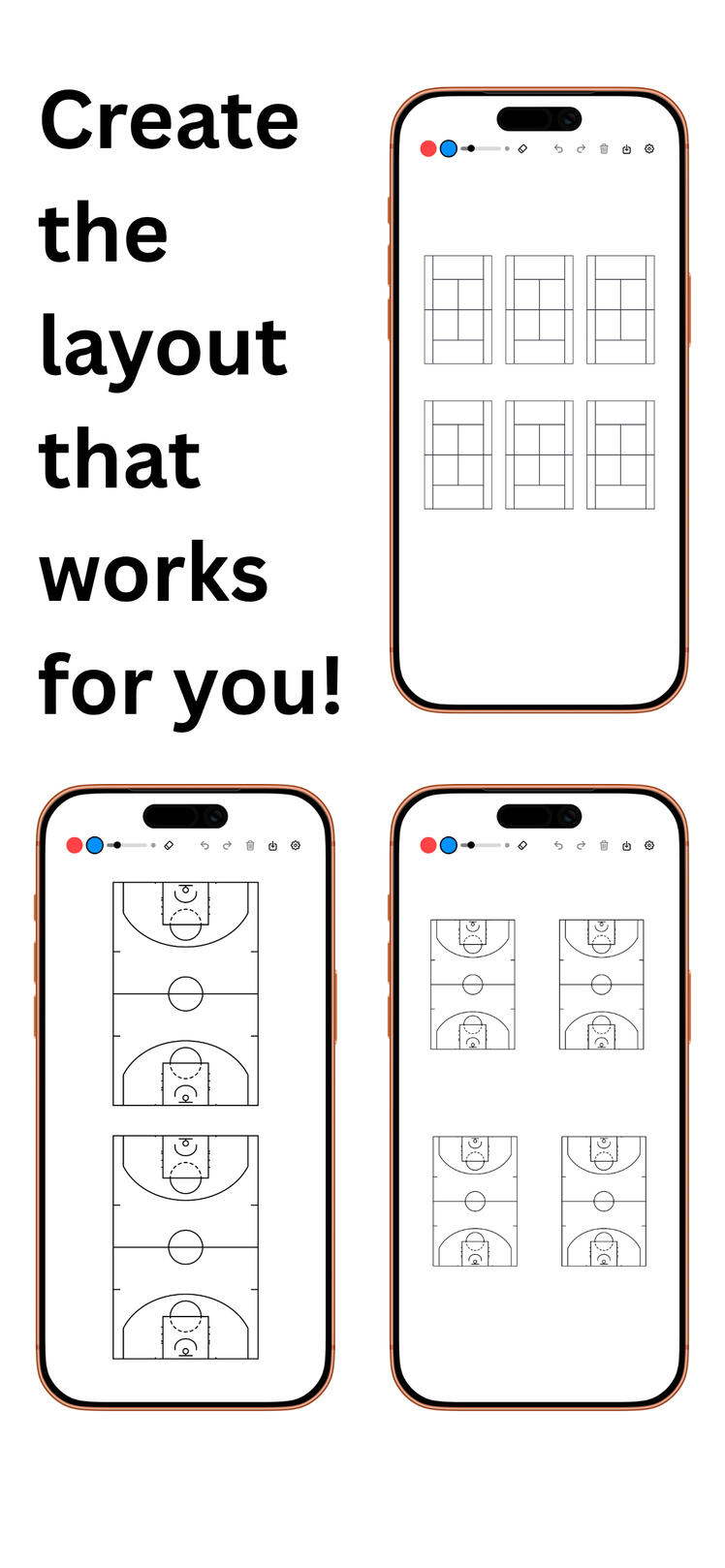
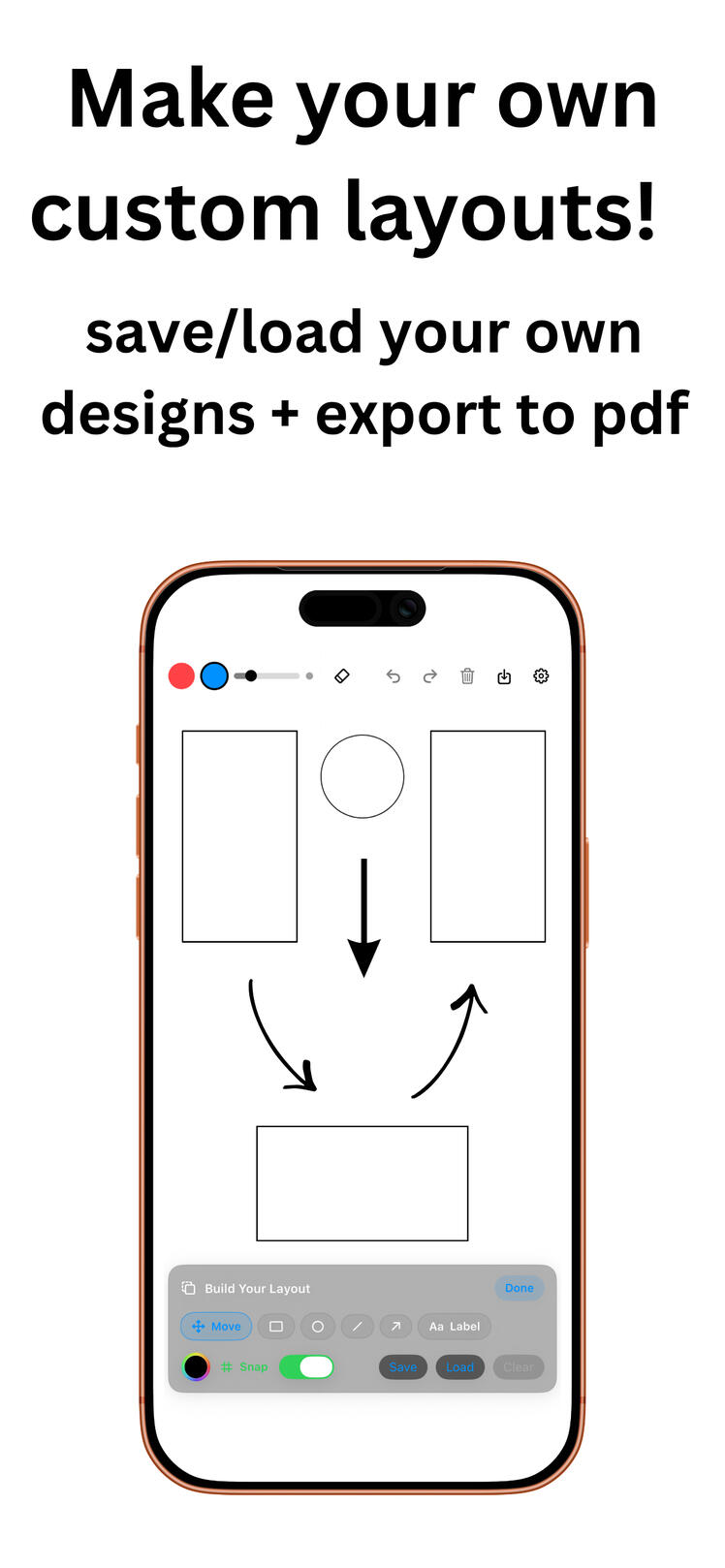
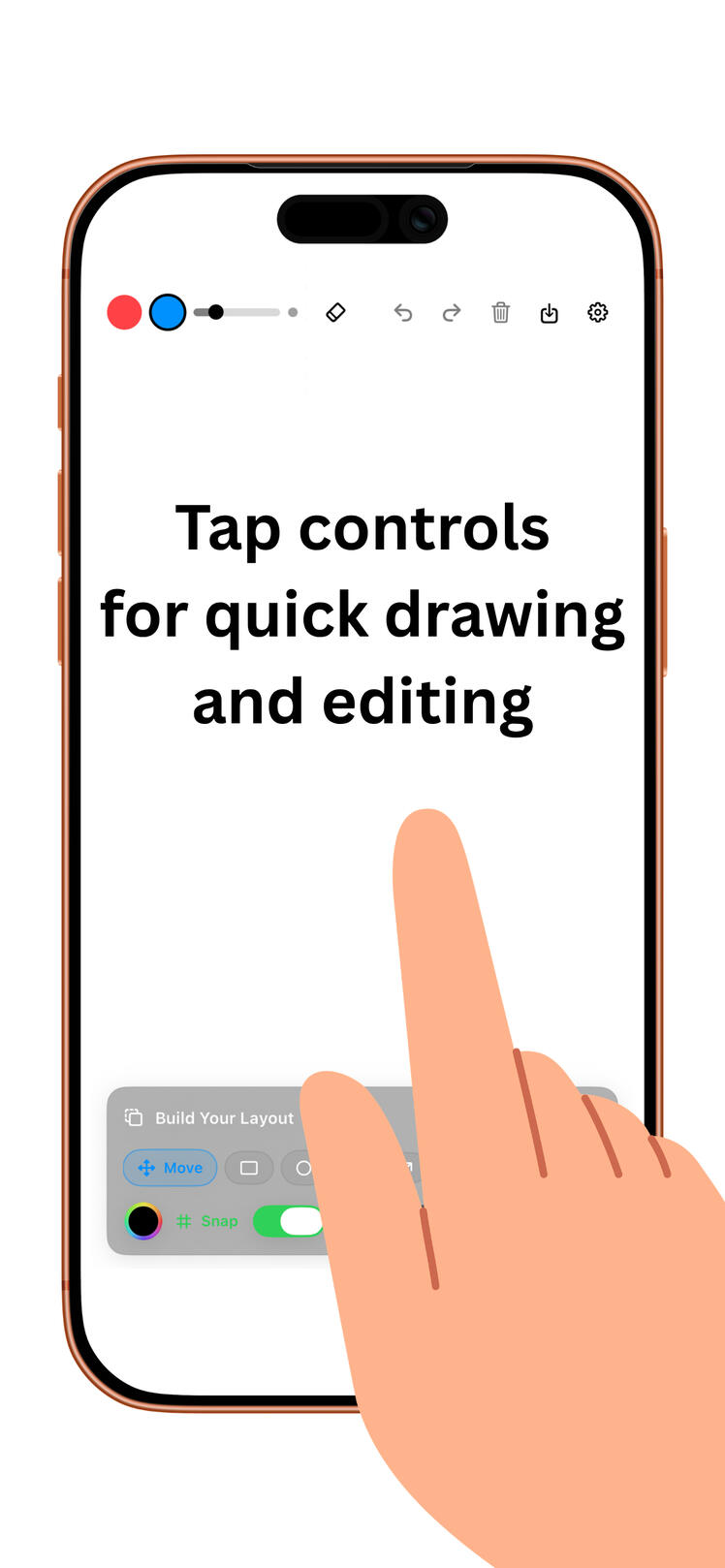
PE Teacher’s Whiteboard FAQ1. What is PE Teacher’s Whiteboard?PE Teacher’s Whiteboard is a coaching and lesson-planning whiteboard app for PE teachers. You can place court/field backgrounds, draw drills, and export plans to share.2. Which sports/backgrounds are included?The app supports multiple backgrounds (such as basketball, soccer, football, volleyball, tennis, and more), plus a no-background whiteboard option.3. Can I draw directly on the board?Yes. You can draw freehand with selectable pen colors and brush sizes.4. How do Undo and Redo work?Use the top toolbar buttons. On supported devices, gesture shortcuts (like multi-finger taps) may also be available.5. Can I erase my drawing without removing the court background?Yes. Erase/clear actions affect your drawing and layout objects, not the court/field image itself.6. What is Build Your Layout mode?It lets you place and edit geometric outlines (for example rectangle, circle, line, arrow) to build custom gym setups or station maps.7. How do I move or edit shapes?Tap to select a shape, then drag to move. Use touch gestures to resize/rotate where supported.8. Can I save and reload custom layouts?Yes. Saved layouts can be loaded later, and you can manage them from Settings (rename, favorite, delete).9. Can I export my board?Yes. You can export as PNG or PDF and share using the iOS/iPadOS share sheet.10. Do layouts sync across devices?Only if your app setup includes shared iCloud/device sync. Otherwise, layouts are stored locally on that device.11. What is PE All-Star?PE All-Star is the premium one-time unlock. It enables advanced features such as custom layout tools and premium templates/options.12. How do I unlock PE All-Star?Open Settings, go to the PE All-Star section, and tap unlock. Purchases use your Apple ID.13. How do I restore my purchase?In Settings, tap Restore Purchase on the same Apple ID used to buy PE All-Star.14. Why isn’t my purchase showing as unlocked?Check internet connection, confirm you’re signed into the correct Apple ID, then use Restore Purchase. If needed, restart the app and try again.15. How do I send feedback or get support?Use Send Feedback in the app settings, or contact: [email protected].16. Does the app collect personal data?The app is designed for board creation/export workflows. No personal data will be collected. Review your App Store privacy label for the official, current data-collection details.
Privacy Policy
Last updated: April 12, 2026This app does not collect, store, or share any personal data.Information Collection
We do not collect any personal information from users.Usage Data
This app does not track usage data or analytics.Third-Party Services
This app does not use any third-party services that collect user data.Children’s Privacy
This app is safe for all users, including children, as no data is collected.Changes to This Policy
If changes are made, they will be updated on this page.Contact
If you have any questions, please contact us.